Chrome extension
Applications filled in. You press Submit.
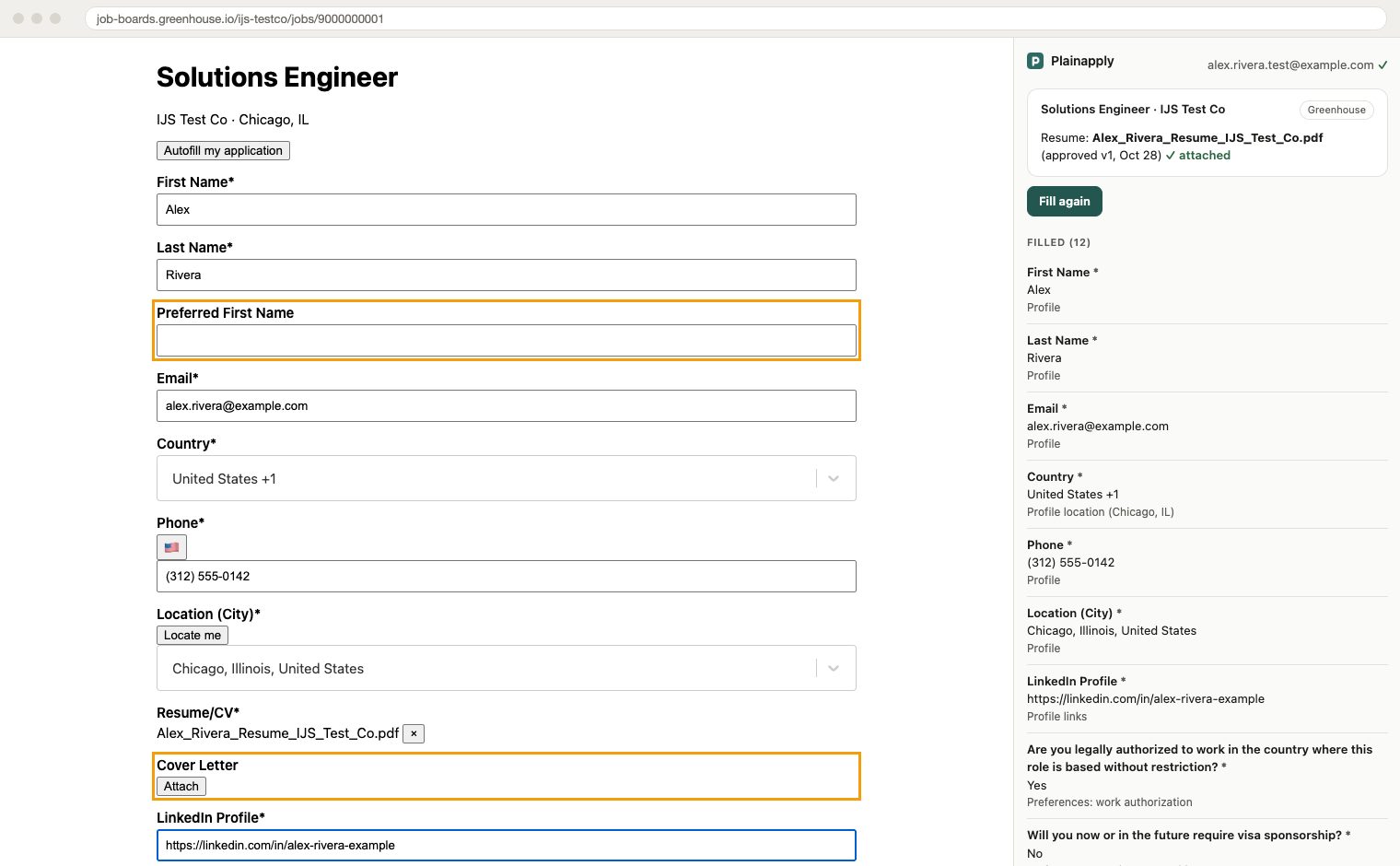
The Plainapply extension fills Greenhouse, Lever and Ashby applications from the facts you've confirmed and the answers you've approved, and attaches the tailored resume you approved for the job. You review every field and submit it yourself; it never submits for you.

Free with your Plainapply account. For Chrome on a computer.
How it works
Add it to Chrome and connect
Install it from the Chrome Web Store, then open it and click Connect while you're signed in to Plainapply. It uses your sign-in here; it stores no password.
Open an application and click Fill
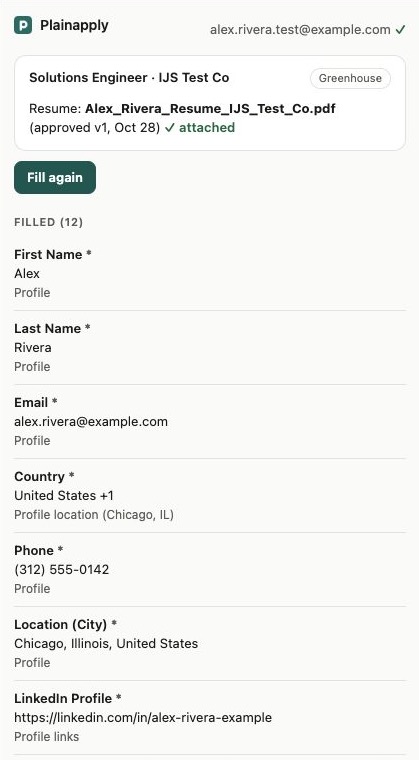
On a Greenhouse, Lever or Ashby application, open the Plainapply panel and click Fill this form. It fills in your details and answers and attaches the tailored resume you approved for that job. Every value shows where it came from; anything it can't answer from your data is left blank and highlighted.
Review it and submit it yourself
Read every field, fill in what's left, check the resume it attached, and click Submit on the company's site. It never submits for you.
Works on Greenhouse, Lever and Ashby. On any other site, download your tailored resume and copy your saved answers.